Test QR Punch Cards in 7–14 Days, Without Apps for Small Businesses
Test QR Punch Cards in 7–14 Days, Without Apps for Small Businesses

A QR punch card is a scan-based digital stamp: the customer scans a code, the scan resolves to a record in the cloud, and a punch is added without any paper. For small, repeat-visit businesses like cafes, salons and gyms, it delivers low-friction visits and basic analytics. If you want a loyalty program without asking customers to download an app, it is a strong fit.
TL;DR:
- Match reward timing to purchase involvement: routine purchases suit immediate, small rewards, while considered services can benefit from delayed rewards that reconnect inactive customers.
- Use a dynamic QR code so you can change the landing page or reward without reprinting; static codes lock in their destination.
- Run a 7 to 14 day pilot with one goal and one reward, then track scans, staff handling, and whether visits change before expanding.
- Prevent duplicate punches with staff confirmation, one time codes, or single use coupons, and decide in advance who can void mistakes.
Table of Contents
- How does a QR punch card work?
- Why switch from paper punch cards?
- How do you plan a punch card program that fits your business?
- What design and technical choices make a QR punch card reliable?
- What is the step-by-step setup checklist?
- How do you launch and keep operations smooth?
- Which metrics should you track and test?
- Why I recommend a short pilot before committing
- Start an app-free QR punch card pilot with Get Reward QR
- FAQ
- Sources
How does a QR punch card work?
The code itself holds no customer data. According to a web-based loyalty system study, QR loyalty systems resolve each scan to a unique customer identifier, so the record lives on a server instead of on the card. That is what lets a business see visit patterns that paper never reveals.
Here is the typical flow:
- Scan: The customer points a phone camera at a code on the counter, receipt or table tent.
- Identify: The scan opens a landing page that recognizes the customer by a token, a short sign-up or a saved pass.
- Record: The system adds a punch to that customer’s cloud record, either on scan or after staff confirmation.
- Redeem: When the card is full, the customer gets a reward, often as a single-use coupon or a validation code staff must approve.
Variants exist. Some programs use a plain landing page, others issue a wallet pass, and others hand out single-use links for each reward. Security usually comes from staff confirmation steps or one-time codes, which stop a customer from scanning ten times in a row.
Because the record is digital, you can measure visit frequency, popular days and reward effectiveness, which paper cards cannot track (source). That data is what turns a stamp card into a business tool.
Why switch from paper punch cards?
Paper cards get lost, forged and forgotten at home. A QR flow removes most of that friction, and it gives you information a paper card never will.
Operationally, the gains are simple:
- No lost cards: The customer’s progress lives in the cloud, not in a wallet.
- Faster checkout: A scan takes seconds, and staff do not need to find a stamp or pen.
- Cleaner staff workflow: One consistent step replaces ad hoc stamping.
On the analytics side, you can see visit cadence, peak times and which rewards actually bring people back. Fraud drops too, since validation codes and single-use coupons make duplicate punches harder than a pen stamp. And because the flow runs in the phone’s camera, customers skip the app store entirely, which tends to lift sign-ups.
Pro Tip: Keep the first scan to one action. Every extra field you ask for at sign-up costs you customers at the counter.
How do you plan a punch card program that fits your business?
Start with the outcome you want. A cafe might want more weekday visits, a salon might want to win back lapsed clients, and a gym might want social shares. Your goal decides the reward, the threshold and the rules.
Reward timing matters more than most owners expect. Research on QR loyalty campaigns finds that immediate rewards tend to work better for low-involvement services, while delayed rewards can foster deeper relationships and help win back inactive customers, especially when privacy is a concern. A coffee stop suits a quick reward. A quarterly service suits a longer ladder.
Use this planning sequence:
- Pick one goal: Frequency uplift, win-back, social engagement or higher spend. Choose one for the pilot.
- Match reward timing to involvement: Fast, small rewards for routine purchases; larger, later rewards for considered ones.
- Write rules staff can say in one breath: For example, one punch per visit over a set amount, and punches expire after a set period.
- Choose your enrollment style: Join on first scan with no form, or add an optional name or email step later.
- Define what a mistake looks like: Decide who can void a punch and how.
For customer-friendly wording around consent and data, see our guide to loyalty program compliance. For concrete cafe examples you can adapt, our coffee shop loyalty templates show three app-free structures.
Pro Tip: Set a reward threshold that feels attainable for your customers. A goal that feels distant can dampen momentum before a habit forms.
What design and technical choices make a QR punch card reliable?
The most important choice is dynamic versus static. A static code bakes its destination into the pattern, so changing a campaign means reprinting. A dynamic code points to a redirectable address, so you can edit the landing page, swap a reward or fix an error without touching your signage.
For standards-minded setups, GS1 Digital Link is worth knowing. According to the Consumer Goods Forum’s QR guidelines, the standard lets a single QR code support both point-of-sale functionality and consumer-facing loyalty experiences, because a resolver can send the same code to different resources depending on context. Most small shops will not need it on day one, but it keeps the door open.
GS1 Digital Link lets one code serve checkout and loyalty, with a resolver sending different responses by context (source).
Scannability is where small setups fail quietly. The GS1 2D barcode playbook covers the factors that affect reliability:
- Quiet zone: Keep a clear blank border around the code so cameras can find its edges.
- Error correction: Higher levels (L, M, Q, H) tolerate more damage but make the pattern denser.
- Module size: Larger modules scan faster, especially at a distance or in poor light.
- Substrate: Glossy, curved or textured surfaces can cause glare and misreads, so test your actual material.
On the landing page, show visible progress, ask for as few fields as possible and make redemption obvious. Offer multiple languages if your customers need them, and use readable text sizes and strong contrast for accessibility.
What is the step-by-step setup checklist?
Follow this order and you will avoid most first-week problems.
- Write the reward rule: For example, “Buy five, get the sixth free,” plus what counts as a qualifying purchase and when punches expire.
- Define redemption mechanics: Decide whether redemption happens by staff confirmation, a single-use coupon at the register, or a staff PIN. Our guide to POS single-use coupons explains one workable pattern.
- Create dynamic QR codes: Generate codes that point to a redirectable address, then build the landing page or pass template behind them.
- Build the staff workflow: Write down exactly what staff do when a customer scans, and what they do when a reward is claimed.
- Print with scannability in mind: Follow quiet zone and size guidance, and place codes where customers already pause, like the counter, receipt and menu.
- Test in real conditions: Try several phones, both iOS and Android, in your actual lighting, from your actual customer distance, on the actual printed material.
- Run a short pilot: Launch for 7 to 14 days with one reward and one goal, then review adoption before expanding. Our one-week pilot guide lays out a lightweight version.
Practical loyalty guidance from Campaign Monitor’s punch card playbook reinforces the basics: set clear rules, train staff and promote the program so people actually use it.
Pro Tip: Test the code from a realistic customer viewing distance, not just from close up at your desk.

How do you launch and keep operations smooth?
A program lives or dies on the counter. If a punch takes more than a few seconds, staff will skip it.
- Give staff a short script: Something like “Scan here and you will get a punch toward a free drink” keeps every interaction consistent.
- Practice redemptions: Run a few mock transactions before opening so nobody is learning during a rush.
- Promote in the places people already look: Receipts, menus, table tents and social channels. A screen near checkout helps too, and digital signage for restaurants is one way to keep the code visible at the point of sale.
- Set rules for mistakes: Decide who can void a punch, how a wrongly issued single-use coupon gets rescinded, and how to handle a customer who says a punch did not register.
- Use the pilot as training: Collect staff and customer feedback in the first week and adjust the script and placement before a wider rollout.
Which metrics should you track and test?
You do not need a dashboard full of numbers. A handful tells you whether the program works.
- Visit frequency: How often enrolled customers return compared with before the program.
- Punch rate: The share of visits that result in a scan.
- Redemption rate: How many completed cards turn into claimed rewards.
- Incremental revenue: Spend from enrolled customers beyond their baseline.
- Peak times: Which days and hours drive the most punches.
Research on a QR loyalty system shows that scan-resolved identifiers let businesses collect real-time data on visit frequency, popular days and reward effectiveness (source).
Because each scan maps to an identifier, you can separate frequent customers from lapsed ones and send each group a different offer. Then run small experiments, changing one thing at a time:
- Reward threshold: Compare a lower threshold with a higher one.
- Reward type: Compare a free item with a percentage discount.
- Join prompt: Try different call-to-action wording on the sign for a week each.
Paper cards give you none of this feedback, which is the real reason to go digital: you can improve the program every week instead of guessing.
Why I recommend a short pilot before committing
I would pick a QR punch card for any small business where customers return often and the purchase is simple: cafes, salons, gyms, small retail. The no-app flow is the deciding factor, because every download you ask for loses people you would otherwise keep.
My recommendation is always the same: run a 7 to 14 day pilot with one clear reward and one goal. Watch how many customers scan, how staff handle the counter and whether visits shift. If adoption is thin, change the placement or the script before you change the reward. Small, honest tests beat a big launch built on assumptions.
— Arturo
Start an app-free QR punch card pilot with Get Reward QR
Customers who scan your code at checkout should be able to earn toward a reward without hunting for an app. We built Get Reward QR so local businesses can run branded QR campaigns with no app download, single-use coupons that staff redeem at the register, social steps like follows and photo uploads, and campaign analytics that show what is working.
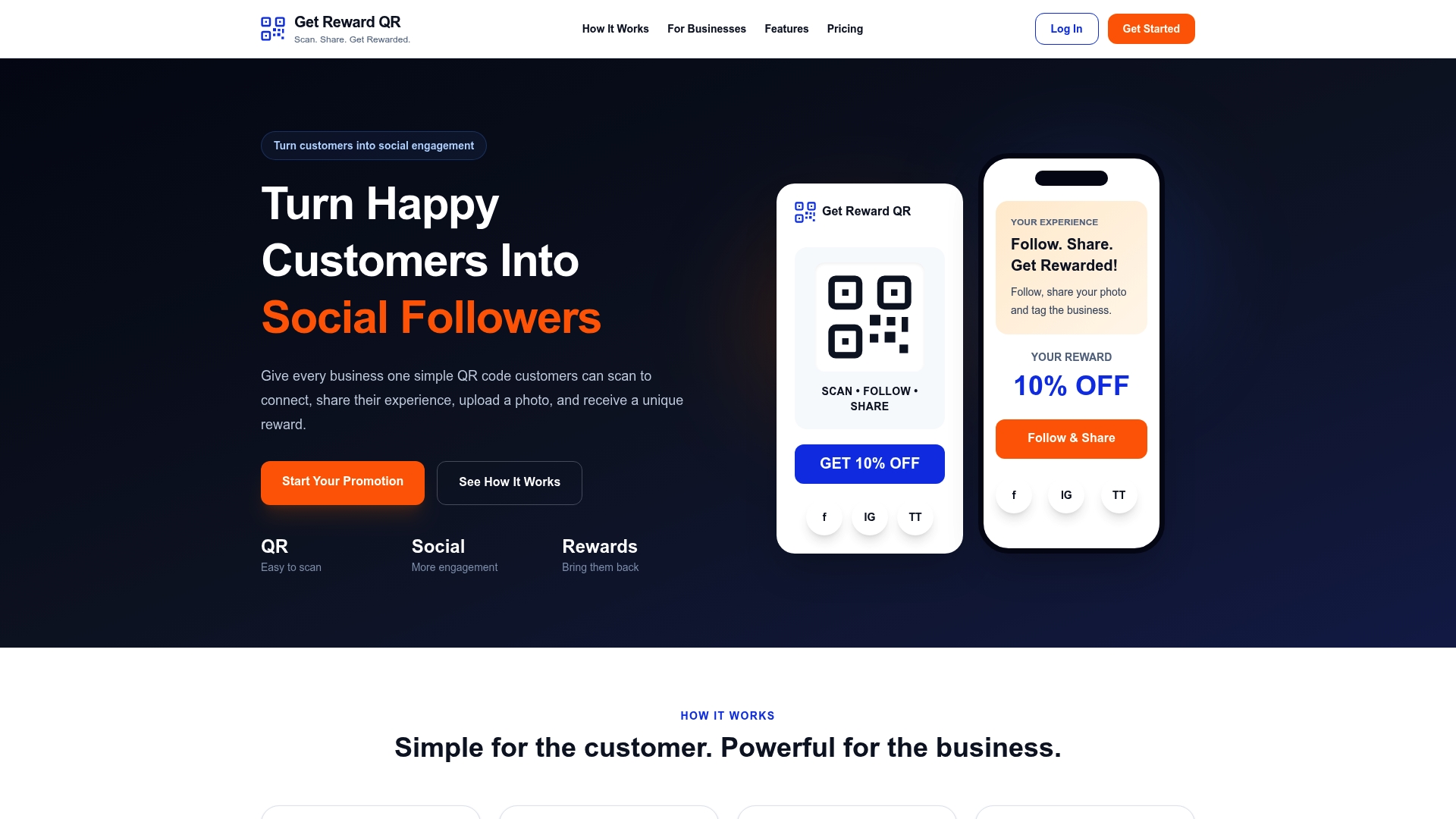
You can start a short pilot and see how customers respond before changing anything else in your shop. Our plans are $19.99 per month or $199 per year, so you can test monthly and move to annual once the numbers look right. Pick your plan on our pricing page and set up your first campaign.
FAQ
What is a QR punch card?
A QR punch card is a digital replacement for a paper stamp card. Customers scan a code, and the scan links to a cloud record that tracks their punches, so nothing needs to be carried or stamped by hand.
Do customers need to download an app?
Not with an app-free setup. The code opens a web page in the phone’s camera or browser, which keeps sign-up quick and avoids losing customers to an app store step.
How long should a QR punch card pilot run?
A pilot of 7 to 14 days is enough to see adoption and fix counter workflow. Use it to test one reward and one goal before you expand.
Should I use a dynamic or static QR code?
Dynamic codes are usually the better choice, since you can change the landing page or reward without reprinting. Static codes lock in their destination, so any change means new signage.
How do I prevent staff or customers from abusing the program?
Use validation features such as single-use coupons, one-time codes or a staff confirmation step. Pair them with a clear rule for voiding mistaken punches.
Sources
- QR Code Guidelines 2026
- Web-Based Customer Loyalty Point System Using QR Code with Whatsapp Notification and Reward Management at Bismole Elektrik Store
- CROSS-MEDIA INTEGRATION OF QR CODE: A PRELIMINARY EXPLORATION
- GS1 2D Barcode Playbook for Creation and Printing