QR Code Loyalty for Small Businesses: App Free One Week Pilot
QR Code Loyalty for Small Businesses: App Free One Week Pilot
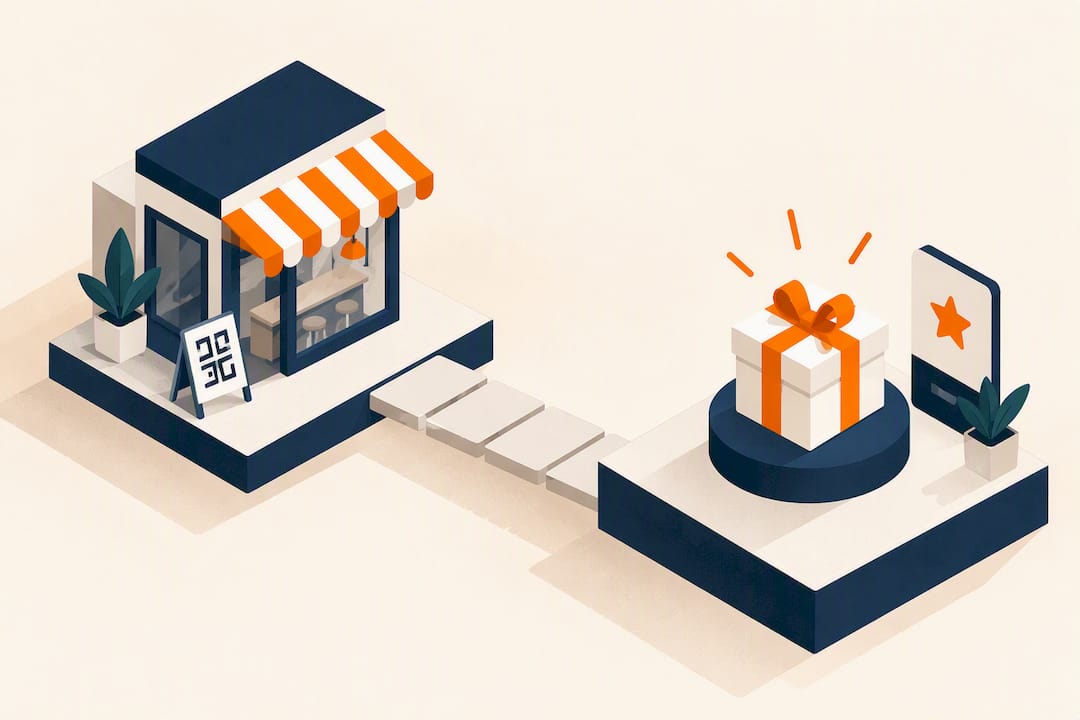
A QR-code loyalty program is a rewards system where customers scan a code to enroll, earn, and redeem without an app download. For most restaurants, gyms, salons, and retailers, the fastest, highest-adoption route is a dynamic QR code linked to a mobile landing page or wallet pass rather than a static code tied to a native app. Businesses with steady repeat traffic, like cafés and salons, see the quickest payoff because every visit is another chance to scan.
TL;DR:
- Dynamic QR codes are recommended because they allow editing the destination URL and logging scans, making long-term campaigns easier to manage.
- Using wallet passes for rewards increases retention by providing constant visibility on customers’ lock screens, supporting repeat visits.
- The most effective placement of QR codes is at high-traffic points such as counters, receipts, or packaging, with placement tested over time for optimal scans.
- A successful pilot takes two weeks, focusing on simple mechanics, a fast-loading landing page, staff training on a clear script, and monitoring key metrics daily.
Table of Contents
- How QR Code Loyalty Works: Enrollment, Scanning, and Redemption
- Why QR Loyalty Pays Off: Adoption, Data, and Retention
- Which Reward Mechanic Fits Your Business
- How to Launch Your QR Loyalty Program in One Week
- Where to Place Your QR Code for Maximum Scans
- Tracking QR Loyalty Performance: Metrics That Actually Matter
- Common QR Loyalty Mistakes and How to Avoid Them
- How Get Reward QR Fits This Playbook
- A One-Week Pilot Is All You Need to Know if This Works
- Start a QR Loyalty Program With Getrewardqr
- Sources
- FAQ
How QR Code Loyalty Works: Enrollment, Scanning, and Redemption
The mechanics behind qr code loyalty are simpler than most owners expect, and that simplicity is the whole point. A customer scans a code, lands on a mobile page (no app store, no install), enters a phone number or email, and starts earning immediately.
The full loop breaks down into four steps:
- Scan. The customer points their phone camera at a code on the counter, receipt, or table tent.
- Enroll or identify. First-time scanners give a phone number or email; returning customers are recognized automatically if they saved a wallet pass or bookmarked their link.
- Credit. The purchase gets logged, a stamp fills, or points get added, either through staff confirmation or a POS-linked action.
- Redeem. The customer shows their balance on-screen or in their wallet pass, and staff apply the discount or free item.
There are two ways to deploy the code itself. A personal QR code, delivered by email or saved as an Apple Wallet or Google Wallet pass, tracks one specific customer and updates automatically after each visit. A shared in-store QR code, posted at the register or on tables, works for everyone but requires the landing page to ask for identification (phone or email) at every scan, which adds a small amount of friction.
This is where dynamic QR codes earn their keep. A static code points to one fixed URL forever. A dynamic code points to a URL you can edit anytime, and it logs every scan with a timestamp. If you switch reward platforms or change a promotion, you edit the destination instead of reprinting every sign in the building. Dynamic codes are the standard recommendation for any loyalty program that plans to run longer than a single promotion.
Enrollment speed is the real differentiator. Completing a QR-to-web signup takes seconds; downloading and setting up a branded app is a multi-step commitment most customers abandon before finishing.
Why QR Loyalty Pays Off: Adoption, Data, and Retention
The adoption gap between app-based and QR-based loyalty is not subtle. QR-to-web enrollment completion rates run around 60% to 75%, while app-install completion rates tend to be notably lower, often below one quarter of the QR-driven enrollment rates. That gap alone explains why most local businesses are walking away from app-first loyalty tools.
What a QR-code rewards program gives you that a punch card never could:
- Timestamped visit data showing exactly when customers come in, which helps you spot slow days worth promoting.
- Location attribution if you run multiple sites, so you know which location drives repeat visits.
- Device data that flags whether your landing page is losing mobile users to a clunky checkout step.
- Average order value tied to each visit, letting you test whether a reward tier actually lifts spend.
- No physical card to laminate, replace, or “forget at home,” which quietly kills paper punch-card programs.
Retention math worth remembering: acquiring a new customer costs far more than keeping an existing one, which is the entire economic case for building any loyalty mechanic in the first place, QR-based or not.
A wallet pass adds one more lever. Once a customer saves a pass to Apple Wallet or Google Wallet, it sits on their lock screen as a standing reminder, and that persistent visibility tends to outperform email-only confirmations for repeat engagement. Quick-service restaurants have leaned into this pattern hard, using in-store QR scans to recognize loyalty members without asking anyone to open an app.
Which Reward Mechanic Fits Your Business
Not every business should run the same reward structure. Pick based on visit frequency, average ticket size, and how much backend complexity you’re willing to manage.
- Digital stamp or punch card. Best for high-frequency, low-ticket businesses like coffee shops and quick-service spots. A 7 to 10 stamp threshold before a free item keeps the reward reachable without eating your margin.
- Points and tiered rewards. Works well for retailers and gyms with varied purchase sizes, where a flat stamp doesn’t reflect spend. Requires a bit more backend setup since you need point values assigned per dollar or per action.
- Spend-based cashback. Outperforms stamp cards for businesses with wide ticket variance, salons and boutiques especially, because it rewards the $80 customer more than the $12 one.
- Wallet pass overlay. Not a standalone mechanic but a delivery layer for any of the above; it keeps the balance visible without a login, which measurably supports retention over email-only tracking.
Start with whichever mechanic requires the least explanation at the counter. If your staff can’t describe the reward in one sentence, customers won’t bother enrolling.
How to Launch Your QR Loyalty Program in One Week
You don’t need a developer or a six-month rollout plan. A working pilot can go live in days if you follow this sequence:
- Decide the mechanic and the math. Pick stamps, points, or cashback, set a reward threshold, and attach an expiration policy (60 to 90 days is common) so balances don’t sit dormant forever.
- Build the landing page or pass. It needs to load fast on mobile, ask for phone or email plus consent, and show the current balance clearly. Skip anything that needs more than two taps to complete.
- Generate your dynamic QR codes. Create separate codes for the counter, receipts, and any packaging inserts so you can track which placement performs best.
- Print and position. Counter tent cards, receipt stickers, and a small sign near checkout cover most foot traffic. Bigger fonts and shorter CTAs beat clever design every time.
- Train staff on the script and verification. One sentence: “Scan this to start earning rewards, no app needed.” Staff should also know how to verify and apply redemptions manually as a backup.
- Turn on lifecycle messages. A welcome text or email, a balance reminder, and an expiration warning cover the basics. Set your pilot measurement window to two weeks before judging results.
Pro Tip: Run your first pilot in a single location for two weeks before rolling out everywhere. Small, contained pilots surface scan-rate problems fast, and fixing a bad landing page for one store is a lot cheaper than fixing it for five.
Where to Place Your QR Code for Maximum Scans
Placement decides whether your program lives or dies more than the reward structure does. A generous cashback offer buried on the back of a receipt gets ignored; a modest stamp card at eye level next to the register gets scanned constantly.
- Counter and register. The single highest-traffic spot; pair it with a short CTA like “Scan. Join. Earn your first stamp today.”
- Receipts. Print the code directly on the receipt so the CTA appears the moment the transaction closes, when intent to return is highest.
- Packaging and takeout bags. Works especially well for restaurants and retail, since the customer sees it after leaving, right when a reminder to come back matters most.
- Email and SMS. Send the code to past customers pulled from your existing contact list to re-engage lapsed visitors, not just new ones.
- Social profiles and bios. Add the code or link to Instagram and Facebook bios for browsing customers who haven’t visited yet.
Test placement changes one at a time. Swap the receipt CTA wording for two weeks, compare scan counts against the prior period, and keep whichever version wins before touching anything else.
Tracking QR Loyalty Performance: Metrics That Actually Matter
Four numbers tell you almost everything about program health, and each one calculates cleanly from your scan and enrollment logs.
| Metric | How to calculate it | What it tells you |
|---|---|---|
| Scan rate | Scans ÷ total customer visits | How many people notice and act on the code |
| Enrollment rate | Completed signups ÷ total scans | Whether your landing page or pass setup is too much friction |
| Visits per member | Total visits ÷ enrolled members over a period | Whether the program is actually driving repeat behavior |
| Redemption rate | Rewards redeemed ÷ rewards earned | Whether your threshold is realistic or too far out of reach |
Early pilots typically show wide swings before settling. Watch for enrollment rates that lag well behind your scan rate; that gap almost always points to a landing page asking for too much information up front. Timestamped scan data also lets you build automatic lifecycle triggers, a reactivation text sent at the 21-day mark for a customer who hasn’t returned is one of the simplest wins available once you have that data flowing.
Review numbers weekly during the pilot phase, then move to monthly reporting once the program stabilizes, segmenting by location if you run more than one site.
Common QR Loyalty Mistakes and How to Avoid Them
Most failed QR loyalty programs die from the same handful of preventable errors.
- Long enrollment forms. Asking for a name, birthday, and address before the first stamp kills completion rates; ask for one contact method and nothing else.
- App-first thinking bolted onto QR. If the code just links to an app store, you’ve recreated the exact friction QR was supposed to eliminate.
- Skipping the wallet pass option. Email confirmations get buried in inboxes; a wallet pass stays visible on the lock screen.
- No expiration policy. Balances that never expire feel generous but quietly bloat your liability and blur your redemption math.
- Unverified stamping. Letting customers self-report visits invites abuse; tie crediting to staff confirmation or a POS action instead.
Fraud control doesn’t need to be elaborate. A minimum time between scans (say, four hours) and requiring staff to tap “confirm” before crediting a visit stops the most common abuse pattern, someone scanning the same code five times in a row for free stamps.
The FTC has also flagged a separate risk: bad actors placing fake QR stickers over legitimate ones to redirect scans to malicious sites. Check your printed codes periodically, and consider a landing page that shows your business name clearly before asking for any information, so customers can verify they landed somewhere legitimate.
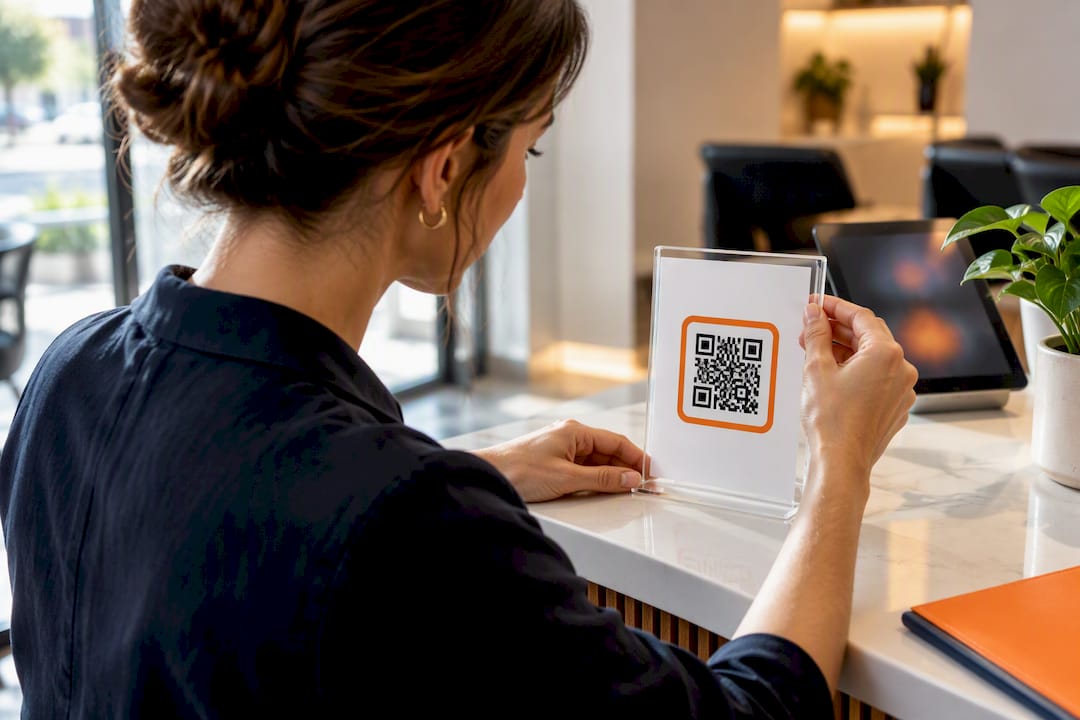
Pro Tip: Put your balance and next-reward threshold on the same screen customers see right after scanning. If they have to tap through two more screens to find out how close they are to a reward, you’ll lose half your repeat engagement right there.
How Get Reward QR Fits This Playbook
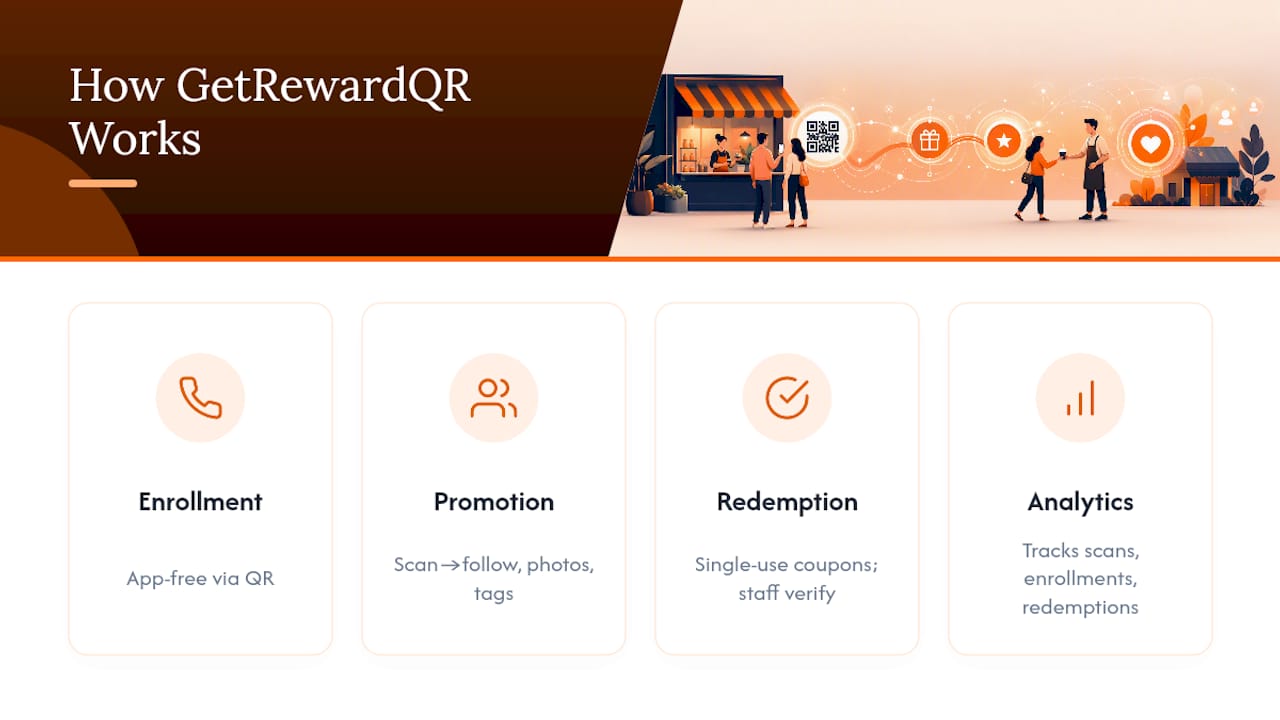
Everything in this guide points toward one setup: app-free enrollment, a dynamic QR code, and enough data to know what’s working. Getrewardqr builds around exactly that structure. The platform runs branded reward campaigns entirely through QR codes, no app download required, and adds a layer most stamp-card tools skip: scan-and-follow social steps, photo uploads, and tagging that turn a routine redemption into a small piece of organic promotion.
Redemption happens through single-use coupons that staff verify directly, and universal POS mode means you’re not stuck rebuilding your checkout process to make it work. Campaign analytics track core numbers like scans, enrollments, and redemptions, providing a measurement layer from the start.
A One-Week Pilot Is All You Need to Know if This Works
Run one location, one mechanic, two weeks, full stop. Print the code, train staff on a single sentence, and watch scan rate and enrollment rate daily for the first week. If enrollment lags scans by a wide margin, fix the landing page before touching the reward structure.
Success after two weeks looks like steady repeat scans from the same phone numbers, not just first-time signups. That pattern is your signal to expand placement, then locations, then add a second mechanic like a cashback tier for high spenders. Everything after that is scaling, not guessing.
— Arturo
Start a QR Loyalty Program With Getrewardqr
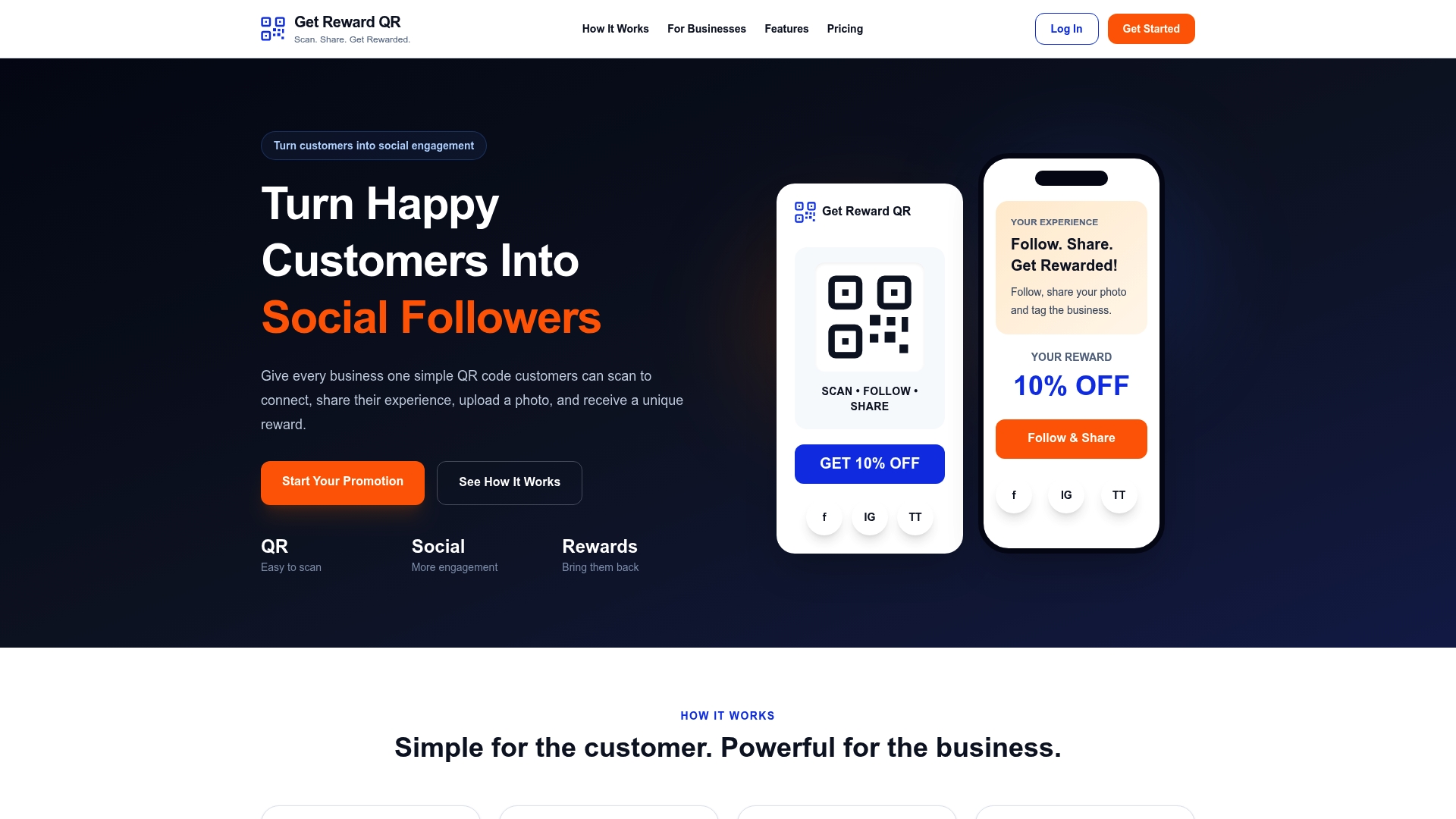
Getrewardqr is the app-free alternative to building a stamp-card system or app-based loyalty tool from scratch, without asking a single customer to download anything or asking you to touch your POS hardware. You get dynamic QR generation, social follow steps that turn redemptions into free exposure, single-use coupon verification your staff can run in seconds, and campaign analytics that track the scan and enrollment numbers this guide walks through.
The Monthly plan runs $19.99 per month, and the Annual plan runs $199 per year if you’d rather lock in a full year upfront. Either way, you can have a working landing page and your first dynamic QR code generated before your next shift starts. Head to the Getrewardqr pricing page, pick a plan, and start your first pilot campaign this week.
Sources
- Scammers hide harmful links in QR codes — and steal your information
- QR Codes on Loyalty Cards (From Punch Cards to Real Attribution) | Lenkli
- QR Code Loyalty Programs: The Complete Guide for 2026 | QRTRAC
FAQ
What Is a QR Code Loyalty Program?
It’s a rewards system where customers scan a code to enroll, earn credit toward a reward, and redeem it, all without downloading an app. Most programs use a dynamic QR code linking to a mobile page or wallet pass so the business can track scans and edit the destination anytime.
Does Customer Loyalty Still Exist?
Yes, but it looks different than it did with paper punch cards. Customers still return to businesses that make earning and tracking rewards effortless, and retention remains cheaper than acquiring new customers, which is why low-friction tools like QR loyalty programs have grown rather than faded.
Can Someone Get Your Information From a QR Code?
A QR code itself is just a link, but the FTC warns that scammers can place fake codes that redirect to malicious sites designed to steal personal information. Only scan codes from sources you recognize, and businesses should check their printed codes periodically for tampering.
What Is the Best Free Loyalty App?
Free loyalty apps typically require a customer download, which is exactly the friction QR-based programs avoid, so most small businesses see better completion rates skipping apps entirely. Getrewardqr offers a free trial to test an app-free QR rewards campaign before committing to a Monthly or Annual plan.
How Do I Know if My QR Loyalty Pilot Is Working?
Watch scan rate, enrollment rate, and visits per member during your first two weeks. A healthy pilot shows enrollment rates close behind scan rates and repeat scans from the same customers, not just first-time signups.