No App Needed: In 10 Minutes Scan to Follow QRs for Local Businesses
No App Needed: In 10 Minutes Scan to Follow QRs for Local Businesses
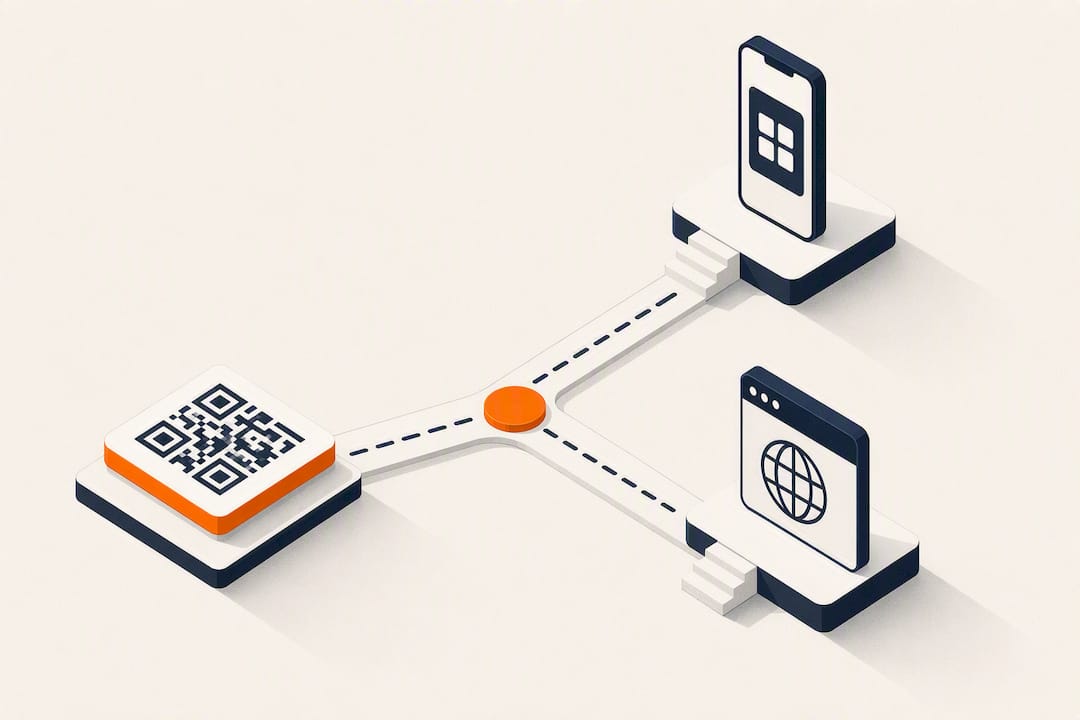
Yes, a scannable QR code that encodes your profile or campaign URL will open that destination so people can tap Follow within seconds. Use a URL-based QR code with a clear call-to-action beneath it, and pick a dynamic short link if you need scan data or the ability to change where the code points later. Camera apps handle the rest automatically.
TL;DR:
- Dynamic QR codes are recommended for campaigns needing tracking or destination changes, as they allow edits and provide scan data.
- Static QR codes are suitable for permanent profiles but do not offer analytics or destination flexibility.
- QR codes linking to profiles work best when paired with clear calls-to-action and placed where customers already have a moment to scan.
- The size, contrast, and quiet zone of the QR code significantly influence scan reliability across different devices.
- Using an app-free, browser-based scan process eliminates friction and boosts conversion rates for local businesses.
Table of Contents
- How Scan to Follow Actually Works on a Phone
- How Do You Create a Scan-to-Follow QR Code?
- What Design Choices Improve Scan and Follow Rates?
- Can Someone Track You if You Scan a QR Code?
- Why Local Businesses Lean on Scan-to-Follow QR Codes
- Turn Scans Into Followers and Repeat Customers With Getrewardqr
- Where to Learn More
- Sources
- FAQ
How Scan to Follow Actually Works on a Phone
When someone points a camera at a QR code, the phone’s default scanner reads a URL packed inside that pattern of black and white squares. From there, the phone decides what to do with the link, and that decision depends entirely on what’s already installed.
If the target app, say Instagram or TikTok, is on the phone, the operating system typically hands the link straight to that app and opens the profile in-app. No app installed? The phone falls back to opening the profile in a mobile browser instead. Either way, the person lands on the right page and can scan and connect with a QR code without typing a single character.
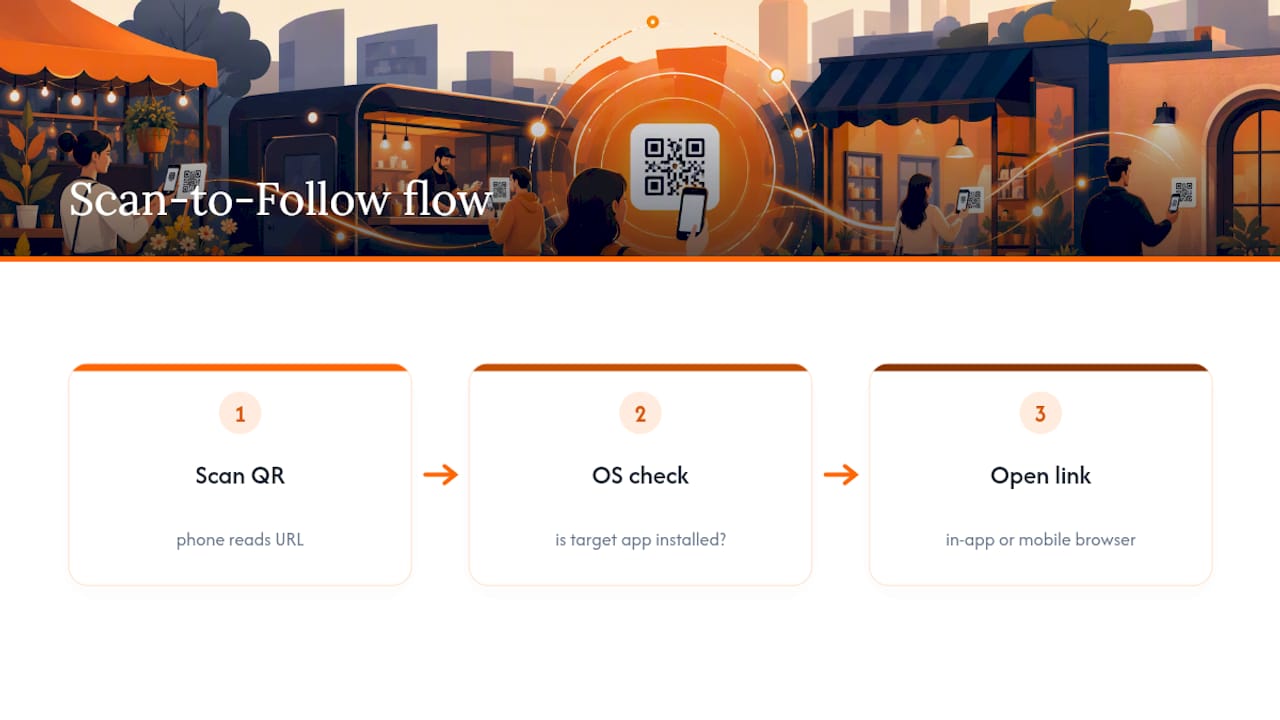
This distinction matters because platform-native QR codes work differently than the ones you generate yourself. Instagram, for instance, has its own built-in QR code for profiles, but it only works reliably when scanned through Instagram’s own camera or another Meta app. An externally generated, URL-based QR code is more flexible. Any standard camera app can read it, and it prints cleanly on menus, receipts, and signage where you have no control over what app your customer opens with.
That flexibility is also why a printed QR code beats asking someone to “search for us on Instagram.” It collapses a multistep process, open the app, type a handle, scroll to confirm it’s the right account, into a single scan and tap.
How Do You Create a Scan-to-Follow QR Code?
Building one that actually converts takes about ten minutes if you follow the order below instead of jumping straight to a generator.
- Pick your destination first. Decide whether the code should open your main profile, a specific post or reel, or a landing page built for a campaign. A code meant to grow followers should point at your profile page. A code promoting a giveaway should point at that specific post.
- Choose static or dynamic. A static QR code bakes the URL permanently into the image. It’s fine for a permanent business card or a wall sign you’ll never change. A dynamic QR code uses a short link that redirects, which means you can swap the destination later without reprinting anything, and you get scan counts along the way.
- Generate and style it. Copy your profile URL or short link into a QR generator, then adjust colors and add a small logo if the tool allows it, but keep the center clear so scanners don’t choke on it.
- Export the right file type. SVG or PDF formats scale without losing quality, which matters for anything going to a print shop. PNG is fine for digital use like email signatures or social posts.
- Test before you commit to a print run. Print one small test copy at the actual size you’ll use in the real world and scan it from a normal distance with two or three different phones.
Before sending a design to print, run through this quick checklist:
- File format: SVG or PDF for print, PNG for screens
- Minimum size: roughly 1 inch by 1 inch for close-range scans like receipts, larger for posters viewed from a distance
- Contrast: dark code on a light background, never the reverse unless tested
- Quiet zone: leave clear white space around the entire code, no text or graphics overlapping the edges
What Design Choices Improve Scan and Follow Rates?
A perfectly functional QR code can still fail to convert if nobody understands why they should scan it. The code itself is only half the job.
- Add a CTA every time. “Scan to follow us on Instagram” outperforms a bare code with no explanation, and showing your handle underneath gives people a fallback if the scan fails.
- Pair it with a reason to act. A discount, a free item, or early access to a promotion gives some people a concrete reason to pull out their phone instead of scrolling past.
- Keep the design boring on purpose. High contrast, a plain background, and no decorative pattern layered over the code. Novelty designs look nice but break scan reliability more often than people expect.
- Match placement to the medium. A table tent works for restaurants, a sticker near the register works for retail, and a QR on a gym receipt works better than one buried in a hallway poster nobody stops to read.
- Watch where scans come from and adjust. If a poster placement isn’t converting, move it or change the copy before assuming QR codes don’t work for your business.
Pro Tip: Run two versions of the same code with slightly different CTA wording in two different locations, then compare which one gets scanned more before committing to a full print order.
Can Someone Track You if You Scan a QR Code?
Scanning a QR code by itself doesn’t hand your identity to the business that made it. The camera just reads a URL and opens it, the same as clicking a link anywhere else online.
What the business can see depends on how the code was built. A static QR pointing straight at your Instagram profile gives the business owner no scan data at all; it’s just an address baked into an image. A dynamic short link is different. It can log scan counts, timestamps, and rough location data tied to that specific placement, which is useful for a business trying to figure out whether the poster or the counter sticker performs better.
If a business asks you to log in or hand over your name and email before you can claim a reward, that’s a separate step entirely, and it should come with a plain explanation of what’s collected and why. Good practice on the business side:
- Collect only what the reward actually requires
- Rely on aggregated scan counts rather than tracking individuals
- Post a short, honest note wherever personal information is requested
Why Local Businesses Lean on Scan-to-Follow QR Codes
Restaurants tape QR codes to table tents next to the dessert menu. Salons print them on the bottom of a receipt. Gyms tape one to the front desk where members check in every single visit. The pattern across all three: the code sits exactly where a customer already has a free moment and a phone in hand.
The app-free part is what actually drives adoption. Asking someone to download an app before they can claim a reward kills momentum immediately, but a scan that opens a browser tab or an already-installed social app removes that friction entirely. That’s the gap an app-free reward workflow is built to close, turning a passive customer into a follower without adding a single extra step to their day.
— Arturo
Turn Scans Into Followers and Repeat Customers With Getrewardqr
This type of service is built for exactly the workflow this guide walks through, minus the manual setup. Instead of juggling a QR generator, a short-link tool, and a spreadsheet for tracking scans, you get a single dashboard that handles the scan-to-follow step, photo uploads and tagging, and single-use coupon rewards, all without asking a single customer to download an app.
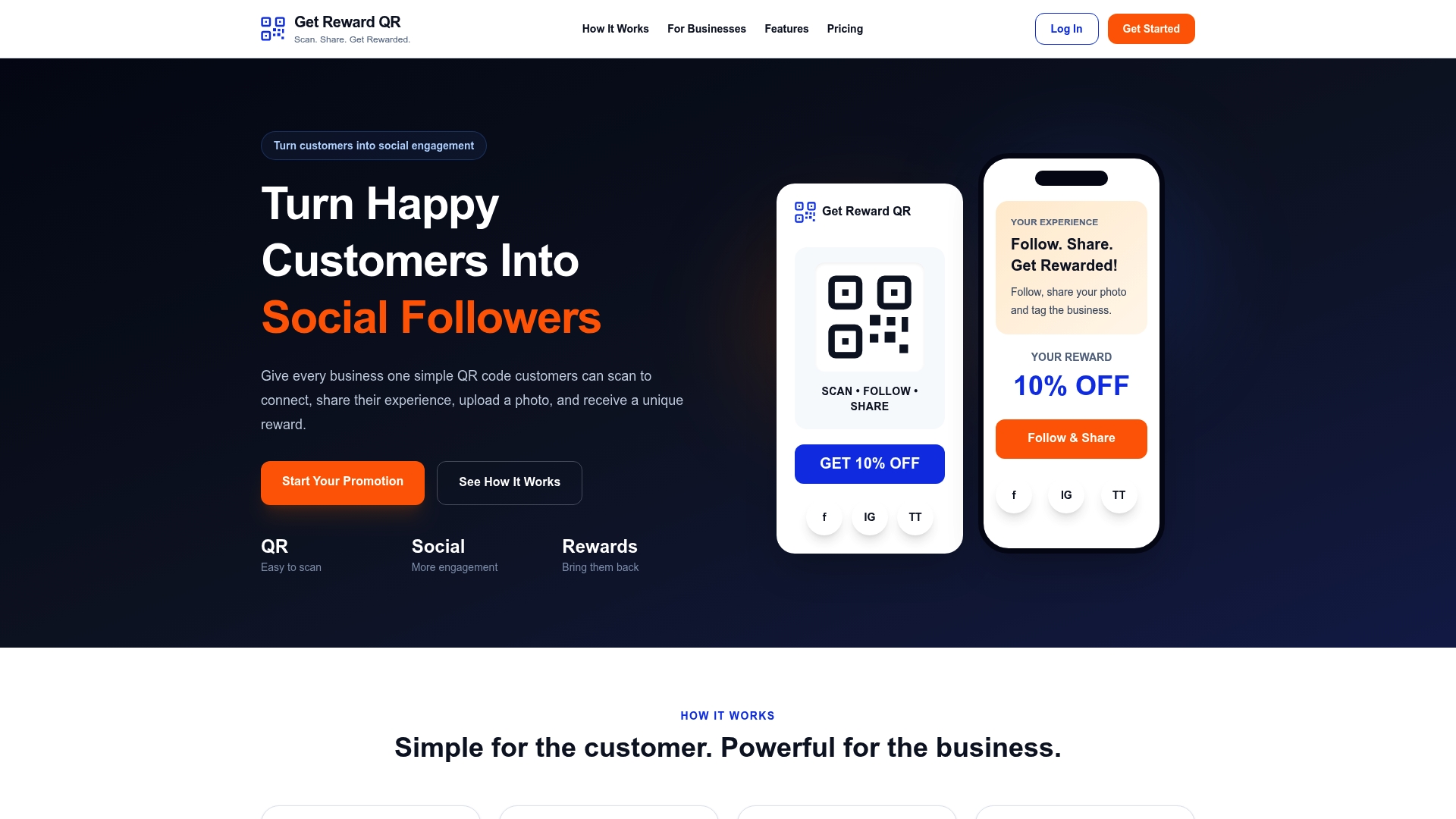
It makes the most sense once you’re running more than one or two codes at a time, need real scan analytics instead of guesswork, or want a system your front-of-house staff can redeem coupons through at the register with universal POS mode. If you’re already using a social scheduling partner like SocialGrove to manage the followers you gain, Getrewardqr handles the acquisition side that feeds it. Check the Monthly and Annual plans on the pricing page, starting at $19.99 per month, and start your first campaign this week.
Where to Learn More
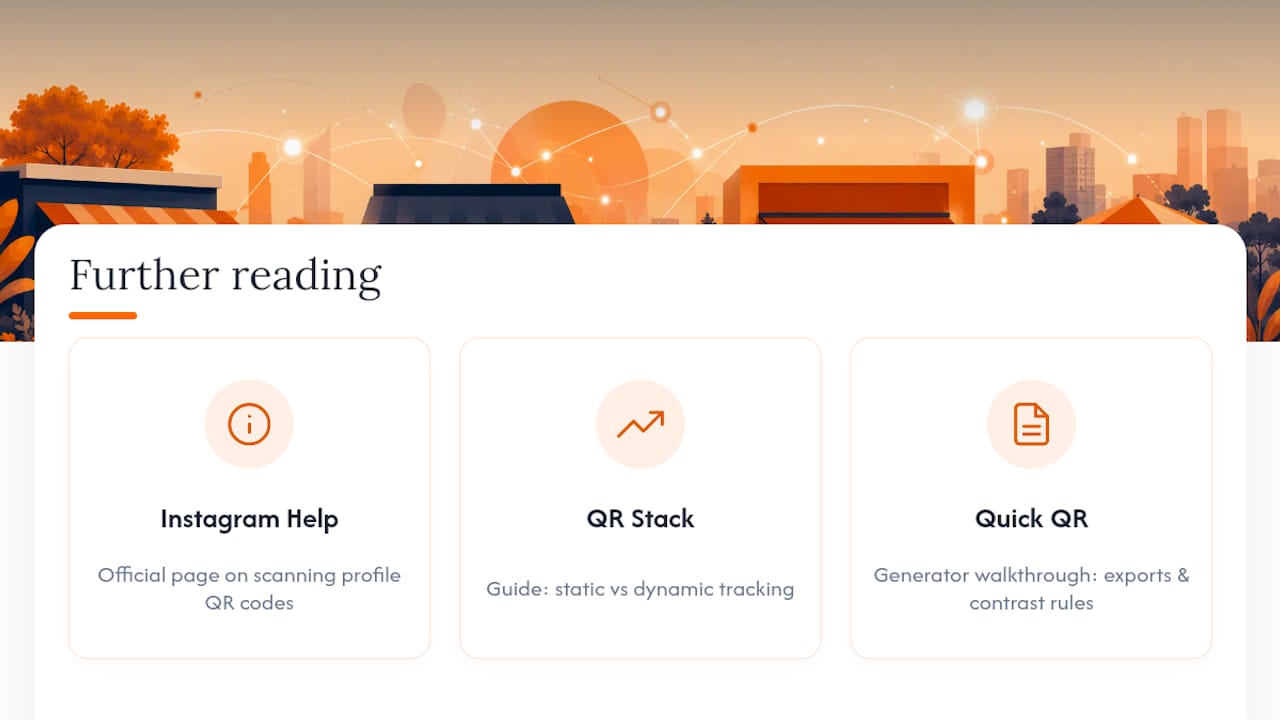
For platform-specific instructions, Instagram’s own help page on scanning profile QR codes is the most reliable source. For a deeper look at static versus dynamic tracking, see the Instagram QR code guide from QR Code Stack, and for design checklists, the generator walkthrough from Quick QR Tools covers export formats and contrast rules in more detail.
Sources
- Scan a QR code to find someone’s profile on Instagram
- How to Create an Instagram QR Code (2026 Guide)
- Instagram QR Code Generator: Easy Social QR Codes in 3 Steps
FAQ
How Do I Follow Someone by Scanning a QR Code?
Open your phone’s camera or QR scanner app and point it at the code. If the code encodes a profile URL, your phone will either open the app directly to that profile or load it in your mobile browser, and you tap Follow from there.
Where Can I Find a Free Trackable QR Code Generator?
Several free tools generate dynamic, trackable QR codes with scan counts included, though most limit free tiers to basic tracking. For a workflow built specifically around social follows and rewards without an app, Getrewardqr bundles scan tracking with coupon and campaign features in one subscription.
How Do I Scan to Follow Someone on Instagram?
Open the Instagram app, tap the QR icon in your profile, and use it to scan the code, or use your phone’s regular camera if the code was made with an external generator. Either method opens the profile page, where a single tap on Follow completes the process.
Can Someone Track You if You Scan a QR Code?
Scanning alone doesn’t reveal your identity. Businesses using a dynamic short link can see scan counts and rough timing, but they only get personal details if you separately submit them, such as when claiming a reward that requires an email or name.
Should I Use a Static or Dynamic QR Code for Following?
Use a static code if your destination never changes, like a permanent link to your main profile. Choose a dynamic QR code if you want scan analytics or the flexibility to redirect the same printed code to a new destination later.