Local Businesses: App-Free QR Codes for Reviews in One Week
Local Businesses: App-Free QR Codes for Reviews in One Week
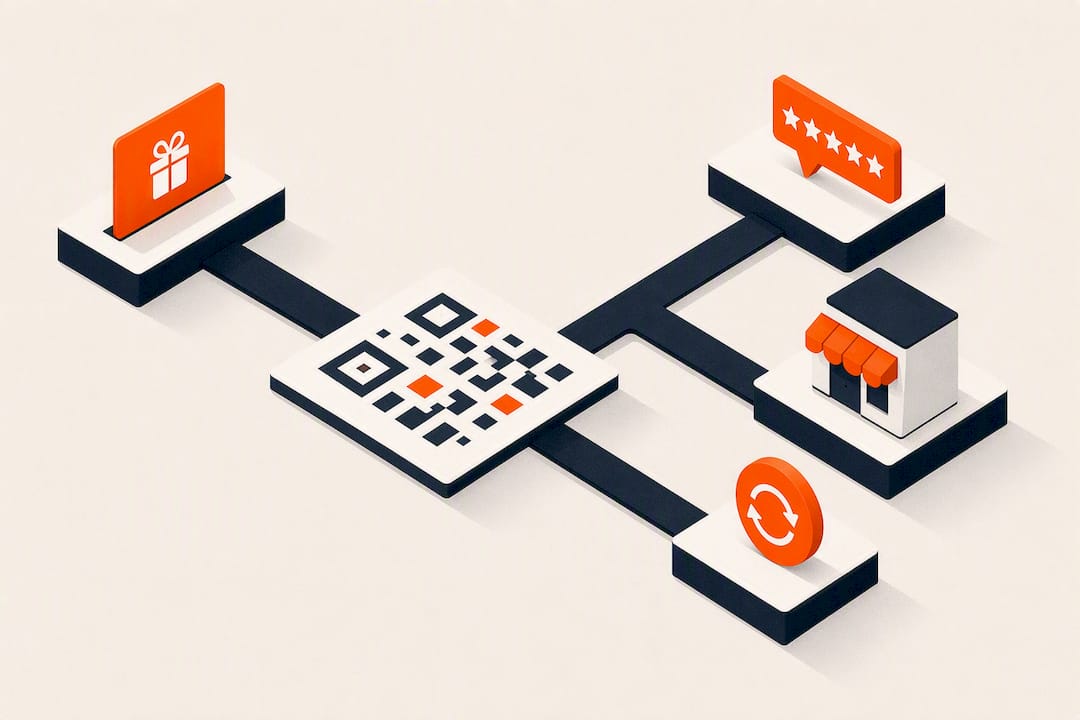
The best “QR code for reviews” setup isn’t a link to a star rating form. It’s a dynamic QR code that sends customers to a landing page, asks them to follow your social accounts or post a photo, then hands back an instant reward. Print one dynamic code, connect it to a simple landing page with email capture, and issue a single-use coupon on redemption. Start with one CTA like “Scan to unlock 15% off” and test it this week.
TL;DR:
- Dynamic QR codes allow changing offers and destinations without reprinting, supporting seasonal campaigns and ongoing promotions efficiently.
- The primary business benefit is capturing valuable customer data, including visit timing and frequency, which enables targeted reactivation and VIP marketing.
- Launching a successful pilot requires focusing on a single reward mechanic, high-traffic placements, clear CTAs, staff training, and daily analysis for two weeks.
- Benefit-driven prompts like “Scan to unlock 15% off” significantly outperform vague instructions, especially when placed at points of customer engagement like registers or receipts.
- App-free QR reward campaigns outperform traditional loyalty programs by providing real-time data collection and eliminating complex tech overengineering.
Table of Contents
- How Does an App-Free QR Reward Campaign Work?
- What Business Benefits and Metrics Actually Matter?
- How Do You Launch a Pilot QR Reward Campaign?
- Which CTAs and Placements Actually Lift Scan Rates?
- How Do You Test and Improve Your QR Campaign?
- Why App-Free QR Rewards Beat Traditional Loyalty Programs
- Ready to Launch Your Own QR Reward Campaign?
- Useful Resources for Building Your QR Campaign
- Sources
- FAQ
How Does an App-Free QR Reward Campaign Work?
A dynamic QR code is the engine. Unlike a static code, which locks its destination forever once printed, a dynamic one lets you change where it points without reprinting a single counter card or receipt. That matters because a campaign you launch this month will need a new offer, a new social ask, or a new season by next quarter, and dynamic codes let you route seasonal campaigns, giveaways, or social UGC asks through the same printed asset.
Here’s what the full workflow looks like end to end:
- Scan: Customer points their phone camera at the code, no app download required.
- Landing page: A mobile page asks for an email (with consent), then prompts a follow or a photo/tag.
- Reward issuance: The page auto-generates a single-use coupon code or a wallet pass the customer can add to their phone.
- Redemption: Staff validate the code manually, or it runs through universal POS mode at checkout.
- Analytics: The system logs total scans, unique devices, and timestamps.
That last point deserves a caveat. Scan logs capture volume and timing but don’t automatically identify a person unless your landing page collects an email or phone number first. The QR code gets people to the door; the form is what turns a stranger into a name in your database. Small operators tend to see stronger participation from browser-based, app-free flows precisely because there’s no install step between the scan and the reward.
What Business Benefits and Metrics Actually Matter?
The real payoff isn’t the discount you hand out. It’s the data you get back. A QR reward campaign replaces the old paper punch card with a system that captures visit timing, frequency, and identity, all of which feeds directly into reactivation and VIP targeting later.
Compare that to a punch card: no data, no way to reach a customer who stopped coming in, and no fraud protection against someone photocopying a stamp. A QR-based system fixes all three.
Five numbers tell you whether the campaign is working:
- Total scans — raw interest in the offer.
- Unique scanners — how many distinct people engaged, not just repeat taps from the same phone.
- Scan-to-action conversion — the percentage who followed, posted, or tagged after scanning.
- Coupon redemption rate — how many people who claimed a reward actually used it.
- Repeat-visit lift — whether scanners come back more often than non-scanners.
Pro Tip: Cross-reference scan timestamps with your slow hours. If most scans cluster around your busiest shift, you’re only reaching customers who already show up. Route a second CTA at slower hours to test whether the QR code can pull in traffic when you actually need it.
How Do You Launch a Pilot QR Reward Campaign?
Getting a pilot live in a week is realistic if you keep the mechanic simple and resist the urge to build something elaborate on day one.
- Pick one reward mechanic. A visit-count reward (“your 5th visit is free”), a scan-and-photo discount, or a birthday perk. Don’t launch all three at once. Practitioner guides consistently recommend starting with a single, simple mechanic because participation drops when customers have to think too hard about the rules.
- Build the landing page. It needs an email field with a consent checkbox, a clear ask (“follow us” or “post and tag”), and instant delivery of a single-use coupon code or a wallet pass button.
- Generate a branded, dynamic QR code. Use your logo and brand colors, export at 300 DPI minimum, and prepare print files sized for counter cards, receipts, and packaging inserts.
- Write the CTA and choose your first placements. Pick two or three high-traffic spots to start, typically the register, the receipt, and product packaging, rather than spreading thin across ten locations at once.
- Script the staff interaction. Front-line employees need one line to prompt the scan and one line to validate a redemption. Run a full test with a coworker acting as the customer before you go live.
- Watch the analytics daily for two weeks. Early data tells you fast whether your CTA, placement, or reward size needs adjusting.
Pro Tip: Ask a teammate to run the entire flow on their own phone, from scan to coupon redemption, before you print anything at scale. Half the friction points in a QR campaign show up only when someone unfamiliar with the setup tries it cold.
Which CTAs and Placements Actually Lift Scan Rates?
Generic prompts like “Scan here” underperform. Benefit-driven phrasing, such as “Scan to unlock 15% off” or “Scan to enter our giveaway,” raises scan performance by a measurable margin because it tells the customer exactly what’s in it for them before they lift their phone.
Placement matters just as much as wording. The strongest spots for a local business are the ones customers already look at during a transaction or a wait:
- Register counter or point-of-sale card
- Printed receipts
- Product packaging or takeout bags
- Table tents at restaurants and cafes
- Social media posts and event signage
A short design checklist keeps the code itself from being the bottleneck: state the reward in plain text next to the code, include your business name, keep instructions to one short line, print the code at a minimum of one inch square, and use high contrast (dark code, light background) so it scans reliably under bad lighting.
| Placement | Best CTA style | Why it works |
|---|---|---|
| Register/counter | “Scan to unlock 15% off” | Captures customers already engaged and paying |
| Receipt | “Scan for a free item on visit 5” | Reaches them right after a positive transaction |
| Packaging | “Scan to enter our giveaway” | Extends reach beyond the point of sale |
| Social post | “Scan to follow for exclusive drops” | Converts online attention into an in-store or email relationship |
Because these are dynamic codes, you can reroute the same printed card to a different offer next month without reprinting anything, which is the whole reason dynamic tracking outperforms static print codes for anything you plan to reuse.
How Do You Test and Improve Your QR Campaign?
Run two-week A/B tests, not month-long guessing games. Change one variable at a time (CTA wording, placement, or reward size) and compare scan and redemption rates before and after.
- Set a baseline for two weeks with your initial CTA and placement.
- Change one variable (swap “15% off” for “free item on your 3rd visit,” for example) and run another two weeks.
- Compare conversion and redemption, not just raw scans, since a high scan count with low redemption tells you the reward or CTA isn’t compelling enough to follow through on.
- Set a trigger threshold. If conversion to redemption sits under 5%, change the reward size or CTA copy rather than waiting another month to see if it improves on its own.
- Scale once you see sustained lift. A repeat-visit increase, steady redemption, and a reasonable cost per new follower are the signals that tell you to expand from one location or one placement to several.
Pro Tip: Keep a simple weekly log of scans and redemptions side by side. A gap that widens week over week, meaning scans keep climbing while redemptions stall, almost always points to a broken or confusing landing page, not a bad offer.
Why App-Free QR Rewards Beat Traditional Loyalty Programs
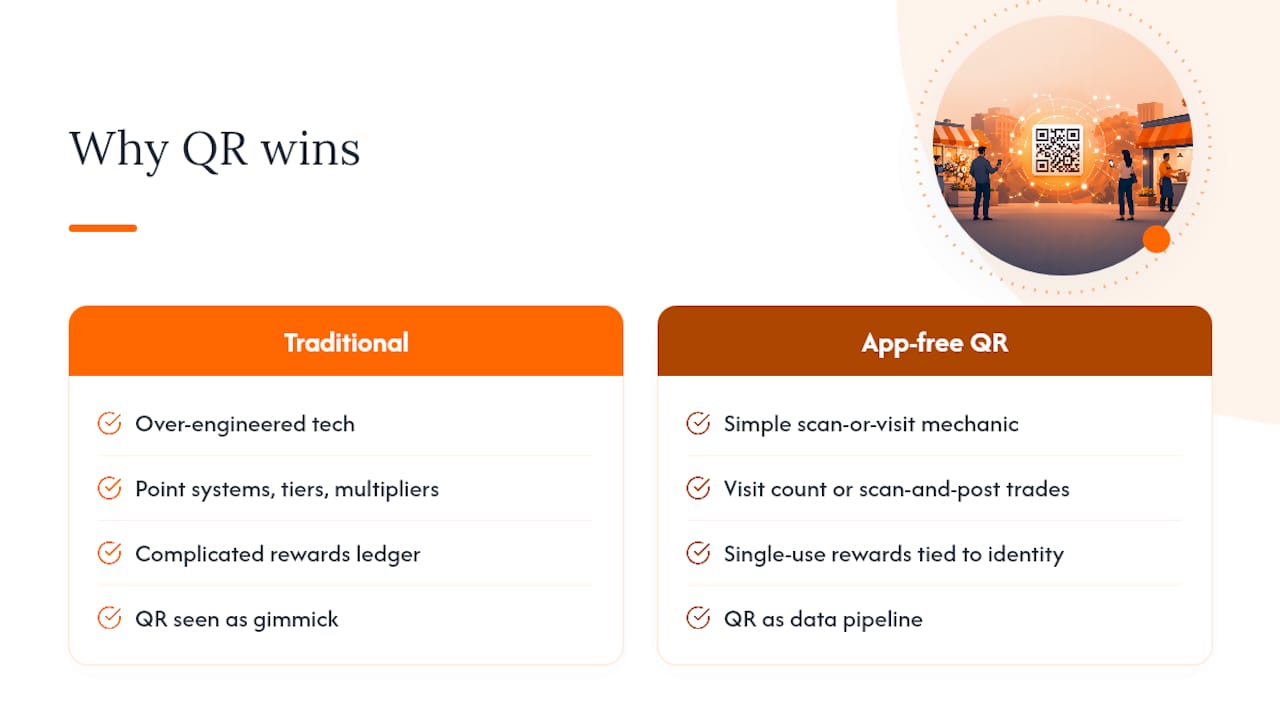
I’ve looked at enough local loyalty setups to notice a pattern: most businesses over-engineer the tech and under-engineer the offer. They spend weeks picking a point system with tiers and multipliers, then wonder why customers ignore it. The mechanic that actually gets used is almost always the simplest one, a visit count or a scan-and-post trade for a discount, not a complicated rewards ledger nobody can explain in one sentence.
The bigger blind spot is treating the QR code as a gimmick instead of a data pipeline. The scan is the least valuable part of this. What you do with the email address and the visit timestamp afterward, whether you ever send a reactivation offer to someone who scanned once and vanished, is where the actual return lives. Most small operators never close that loop. Get Reward QR is built specifically to close it: app-free scans, social actions, and single-use rewards tied to identity capture, so the data doesn’t just sit in a spreadsheet nobody opens.
— Arturo
Ready to Launch Your Own QR Reward Campaign?
Building this workflow from scratch means stitching together a QR generator, a landing page builder, a coupon system, and an analytics dashboard, usually across three or four separate tools that don’t talk to each other. Get Reward QR runs all of it in one place: dynamic QR codes, scan-to-follow and photo-tag prompts, single-use coupon generation, staff redemption tools, and universal POS mode, without asking a single customer to download an app.
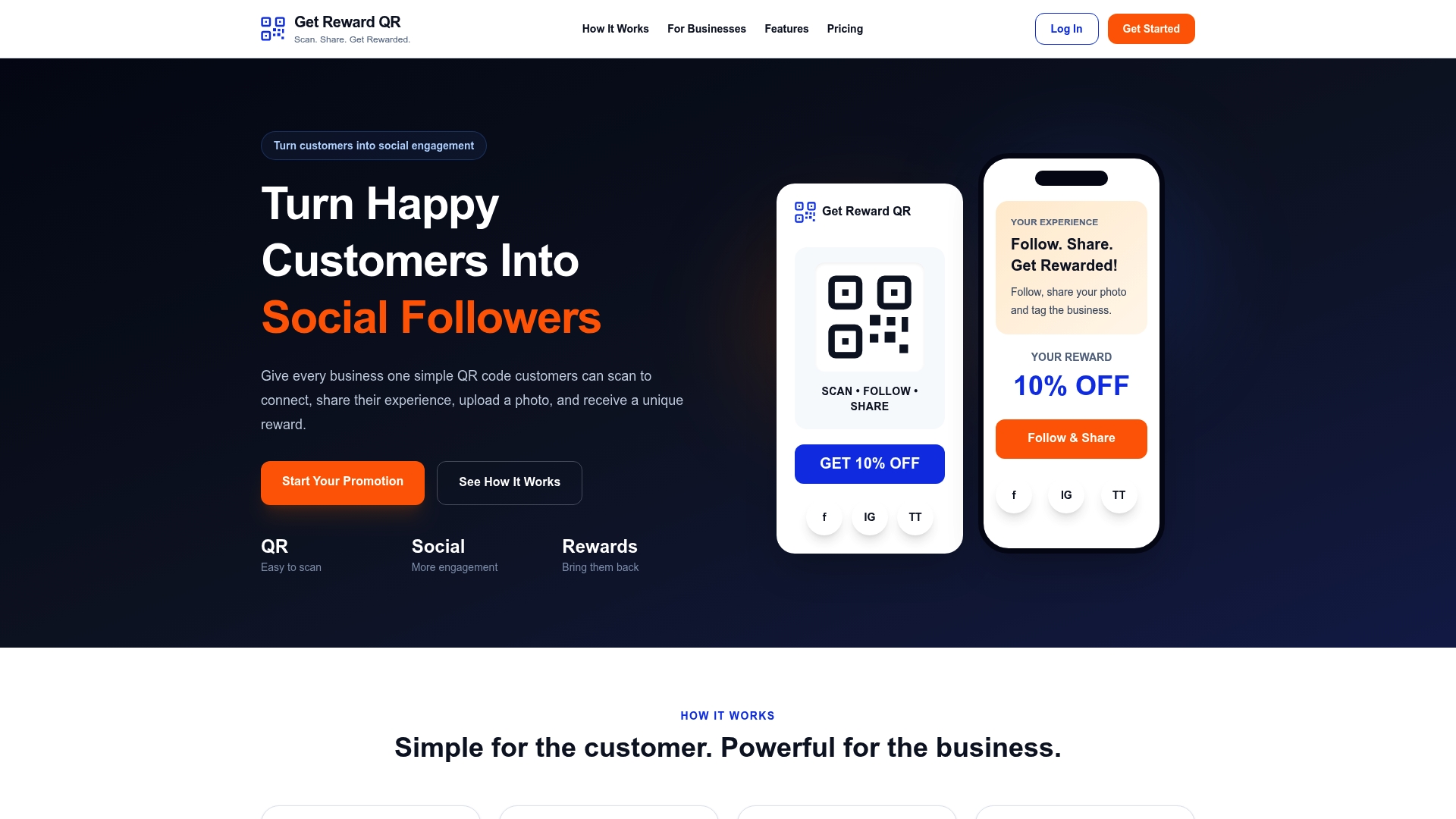
If you run a restaurant, cafe, salon, gym, or retail shop, you can set up your first campaign and connect it to your own social accounts in an afternoon. The Monthly plan runs $19.99 per month, or save with the Annual plan at $199 per year. Start a single-location pilot, test one CTA at your register or on your receipts for two weeks, and see your scan and redemption numbers before committing further. Check current plans and start your trial on the Get Reward QR pricing page.
Useful Resources for Building Your QR Campaign
- QRTRAC’s loyalty program guide for dynamic code setup and mechanic templates.
- Lenkli’s wallet pass breakdown for retention-focused flows.
- Scanova’s social QR guide for CTA phrasing and landing page tips.
- UseQRKit’s placement guide for multi-channel deployment ideas.
Sources
- QR Code Loyalty Programs: The Complete Guide for 2026 | QRTRAC
- QR Codes on Loyalty Cards (From Punch Cards to Real Attribution) | Lenkli
- QR Code on Social Media Post: The Best Guide for 2026
- QR Codes for Social Media Marketing (2026) | Supercode
FAQ
Do I need a static or dynamic QR code for reviews and rewards?
Use a dynamic QR code. It lets you change the destination, offer, or CTA without reprinting any physical materials, which matters the moment you want to run a new campaign.
How do I prevent customers from reusing the same coupon?
Tie each coupon to a single-use code linked to the customer’s email, or require staff to validate redemption with a stamp or PIN; POS-integrated redemption is the most reliable option for higher-volume locations.
What’s a good CTA to put on my QR code?
Lead with the benefit, not the instruction: “Scan to unlock 15% off” or “Scan to enter our giveaway” outperform a plain “Scan here” prompt.
Does Get Reward QR require customers to download an app?
No. Get Reward QR runs entirely through a scan-to-browser flow, with rewards delivered as single-use coupons or wallet passes, so there’s no app install standing between the scan and the discount.
Where should I place my QR code first?
Start with your register or point-of-sale counter, printed receipts, and product packaging, since these reach customers already engaged in a transaction before you expand to social posts or event signage.